
















The greatest personal limitation is to be found not in the things you want to do and can’t, but in the things you’ve never considered doing. If you can’t enjoy what you have, you can’t enjoy more of it. Why be your real self when you can be something really worthwhile?
Recruitment
Recruiting exceptional educators to ensure schools receive the highest quality teaching talent and achieve academic excellence
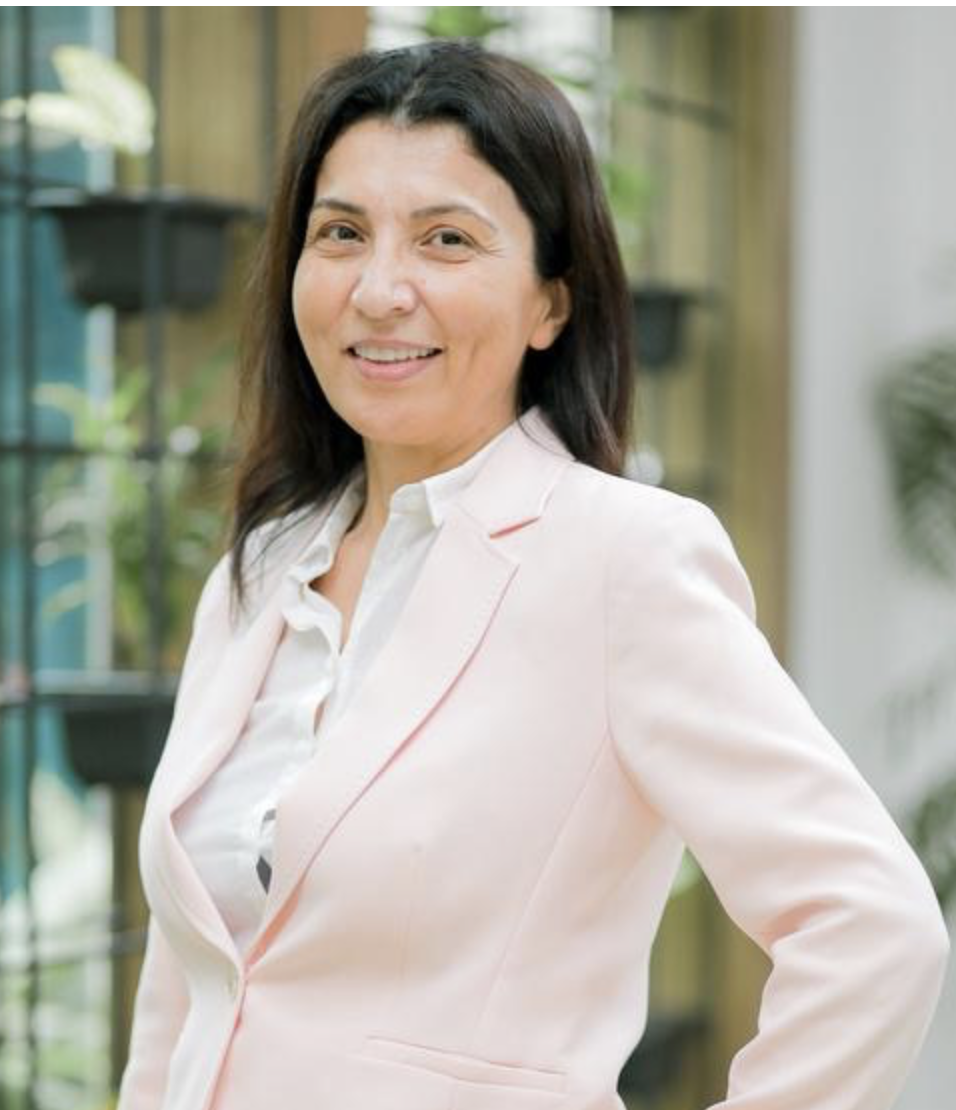
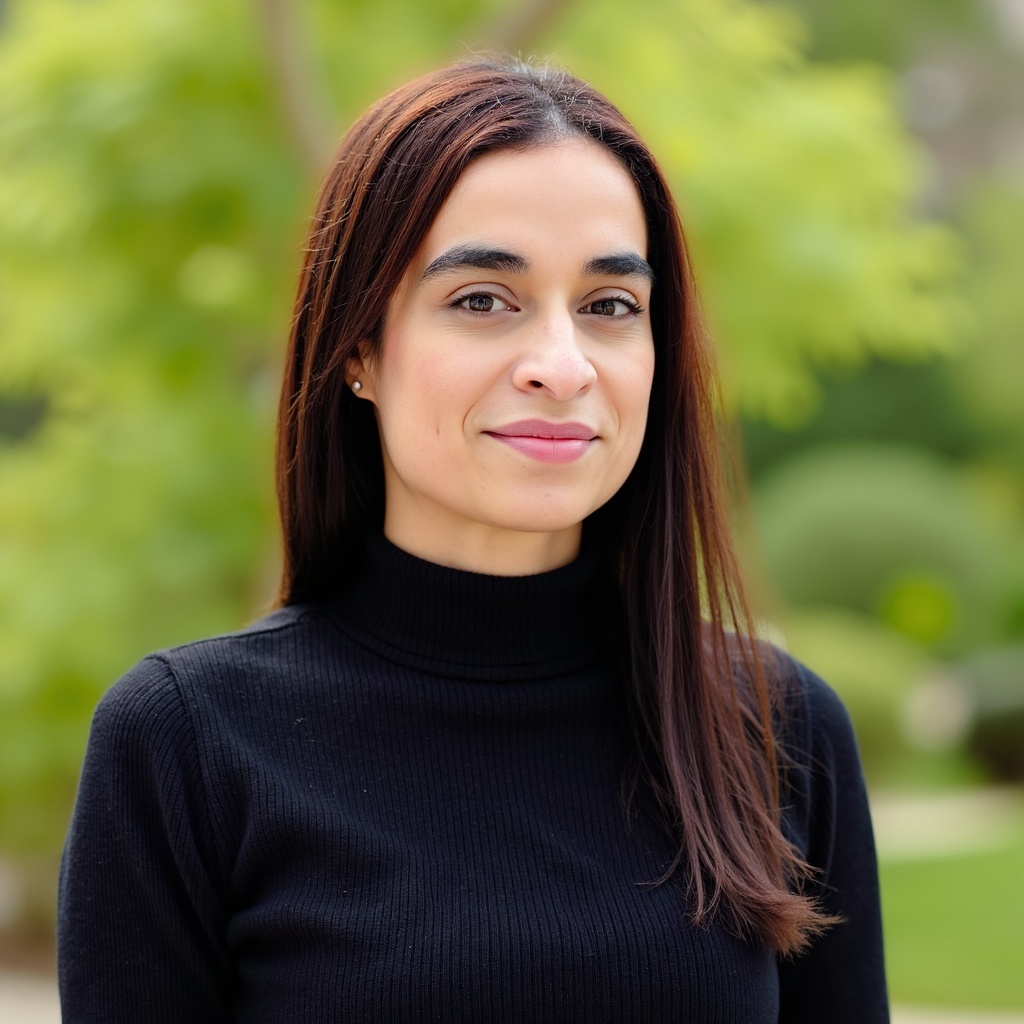
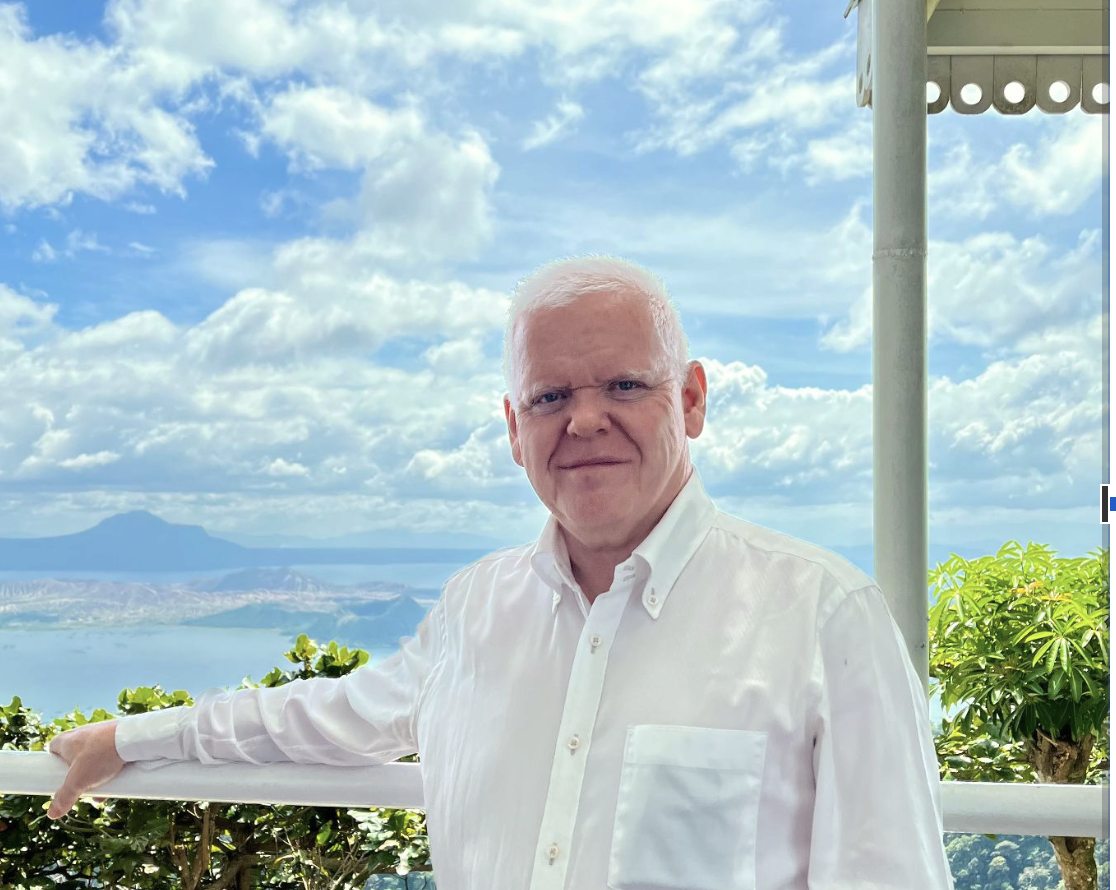
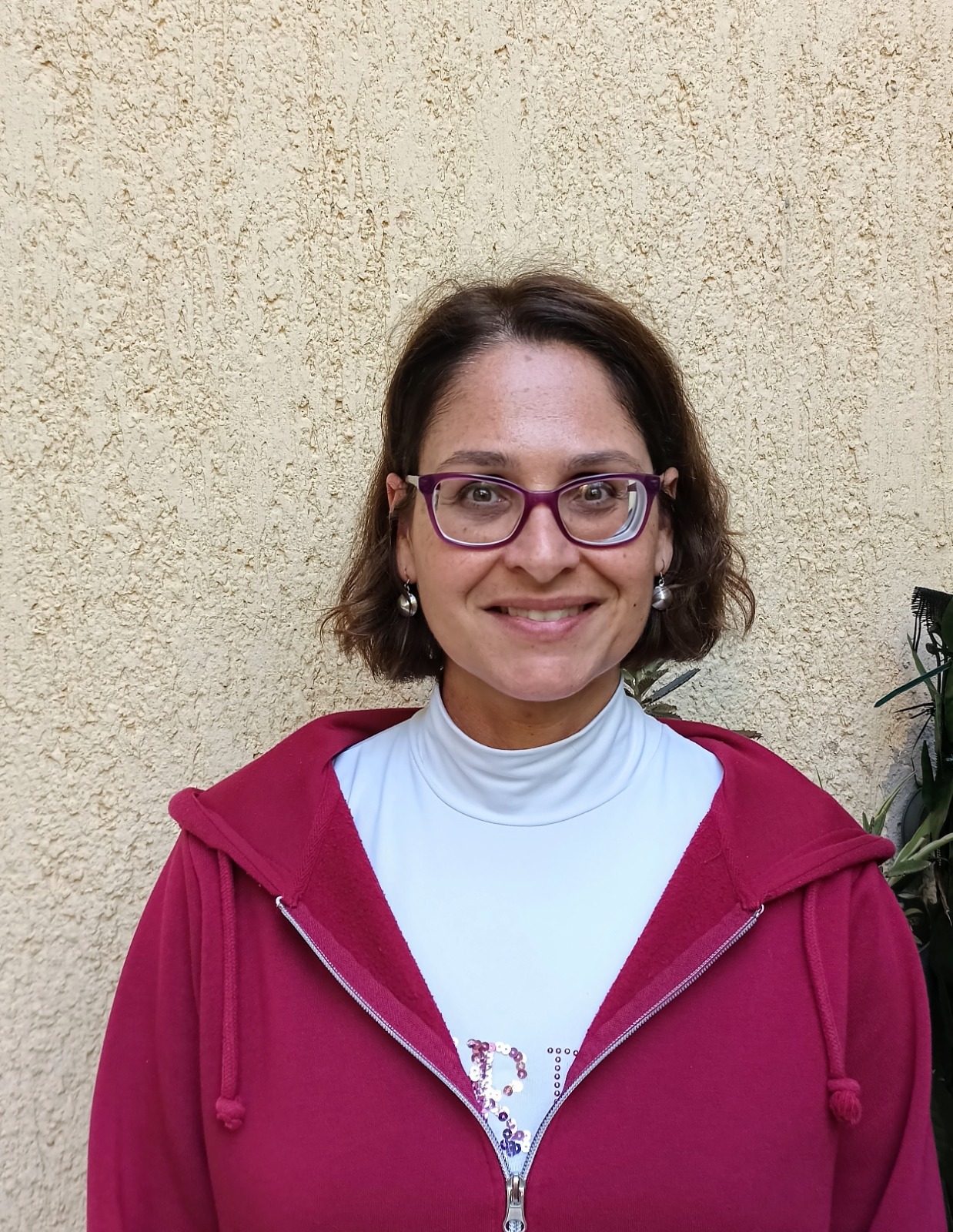
Let's Meet Our Global Leaders
We’re proud of our wonderful Leaders! Come and learn a little more about the people who inspire and educate our students.
What Our Partners Think
Discover the positive experiences our partners have had. Their testimonials speak to the value and impact of our collaborations.

Julian Williams
Julian Williams
· 1stFirst degree connection
Director of Schools, Athena EducationDirector of Schools, Athena Education
July 8, 2015, Julian worked with Dr. Tassos on the same teamJuly 8, 2015, Julian worked with Dr. Tassos on the same team
All LinkedIn membersShow Julian Williams recommendation to All LinkedIn members
I first met Tassos as a CIS/NEASC Visiting Team member back in 2011 at Dubai International Academy. I was then the first QA Director for Innoventures. This was a new position since the group was expanding.
When I took up my current position, Tassos was appointed to the QA role some months later, and the group then expanded it. His responsibilities were to promote teaching, learning and assessment across the 4 international schools in the group. He certainly pushed Principals, Heads and Middle Leaders hard but invariably sought support and was always available for consultation and advice.
He became the School Improvement Partner to RWA, and we felt that he was approachable, incisive and set realistic targets. He understands the realities of headship and that target-setting and realisation of improvements can be frustrated by the day-to-day minutiae that impinge on time in managing a large international school.
Tassos drove the development of Learning Walkers and Leaders of Learning, and devoted time to assist with staff recruitment, mentor MLs, and work with leadership on KHDA annual inspections.
His ‘mock’ inspections were extremely helpful. He would challenge everything! This has made us much more focused and has helped us move from ‘good’ to a position to achieve ‘outstanding’.
I have particularly liked the way in which he has kept school leaders up to date with current thinking and innovations in measuring learning progress. Tassos became a full member of the RWA team, rather than being a detached consultant. He invested his time with us, and we appreciated that. He has a good sense of humour – an indispensable quality when seeking to drive improvements in international education.
He can bring out the best in those who understand QA and the ‘bigger picture’.
He can be uncompromising, but only where he knows that the group sees matters as non-negotiable.
That said, he is a consensus seeker, rather than authoritarian.
He wants both senior and middle leaders to have ownership of change, and he is more than ready to give credit to staff when goals are reached. Essentially, he is an excellent mentor and coach.
I have enjoyed working with Tassos and wish him every success as he returns to a school leadership position himself. I am very sure that our paths will cross.
Julian Williams
Director of Schools Athena Education
Tassos built effective relationships based on trust and shared vision. He also demonstrated a strong commitment to developing and supporting staff, particularly by leading teaching and learning improvements across our group of schools.
His strengths are collaboration, consulting, motivation, inspiration, listening, and drive.
One of his drivers was having daily professional conversations that helped teachers improve and share their expertise, developing successful strategies that improved student learning.
At CAS, we worked together to provide support and challenge to raise the school by 13 indicators from Acceptable to Good.
Tassos has a positive outlook and works with staff, keeping student learning in mind. He is solution-conscious.
Dr. J. Andrew Westerman
Experienced Senior Administrator @ Orange County Public Schools | Educational Leadership
Dr Tassos is the epitome of information, ideas and qualities of a true leader. He encourages creativity and the growth of potential in both individuals and teams, and is willing to take informed, calculated risks for the upward rise of an organisation.
Personally, I have grown in my career solely due to his guidance and his never-say-impossible attitude.
He is in a league of his own; anyone working under him will be assured of support and the chance to shine.
A great principal with a far-reaching vision.
Fathima Rishana Azmie
Ed.D Candidate, MA (Educational Leadership and Management)Ed.D Candidate,
Dr Tassos has been a mentor to me since 2013.
His example of leadership has motivated me to continue making an impact on students’ lives.
He has a student-centred approach, while also challenging faculty to improve teaching and learning.
He demonstrates his passion through a variety of Professional Developments with a focus on overall school improvement.
Dr Tassos builds positive relationships and consistently supports his staff.
While working for Innoventures Education Group in Dubai, he facilitated change and improvement across all 4 campuses: Dubai International Academy, Collegiate American School, Raffles World Academy, and Raffles International School. Dr Tassos improved each school’s KHDA report, which is the Dubai government school rating.
This is the top priority for each school within Dubai. He obtained an Outstanding rating for Dubai International Academy, making it a premier school in the Emirate.
Dr. Tassos guided me through my Administration Internship and to this day is always available to support me. I am deeply grateful for his support, guidance, and leadership example.
Dr Tassos is an asset within every organisation he is a part of.
Mr G
Steward
It is with pleasure and a privilege that I write for Dr Tassos Anastasiades, whom I have known for five years, having worked together in the leadership team for part of that time at Raffles International School in Dubai.
Tassos is an extremely well-organised person, totally dedicated to ensuring that any school he is affiliated with is led by thorough, professional knowledge and guidance to benefit all sectors of the school community.
Tassos enables and delivers innovative and motivating support to his colleagues to ensure they reach their own potential educationally by his inclusive leadership and knowledge that he displays.
Tassos is technically an outstanding practitioner who uses a broad range of teaching strategies and personal growth and knowledge to enhance and develop any institution he works with.
He has a thirst for knowledge, constantly seeking to develop professionally, and contributes greatly to the ongoing development of the school culture.
His capacity to plan, coordinate, and organise professional development, school-wide activities, and events in a leadership role demonstrates his capabilities and experience, and he is very knowledgeable as a school CEO or Director.
His greatest advocates are the staff, parents, and students who have appreciated and benefited from his positive, proactive influence and skills in this position.
I have sincerely appreciated your support, Tassos, since I met you at Raffles International School. Your devotion and dedication as a senior leader are to be commended. Your guidance and support have always been valued by me, and your willingness to take on board new suggestions and ideas is appreciated as well. Your warmth and sense of humour as a colleague and mentor are major strengths, and you are very personal and approachable with everyone.
Tassos is a talented person whose interests and skills cover a broad spectrum. Knowing his willingness to work hard, his ease with others, his multitasking capability, his enthusiasm, and his loyalty without reservation, I recommend him.
Peter Hickey
Head of Boarding
I met this great man in August 2011 in my current school, Day Waterman College Nigeria.
As a new teacher, I benefited greatly from his rigorous training, fairness, professionalism, and success-driven philosophies. As my Principal, sadly, for a session, I became a more confident teacher under his excellent guidance. My History IGCSE success today, recording 100% A*- C consecutively for 5 years and receiving “An outstanding teacher award” during World Teachers’ Day Celebration in Nigeria, can all be traced to Tassos series of positive feedback during his observation of my lessons in just a session he spent in the school.
His legacy in the school still stands the test of time, and the impact of his outstanding nature still resonates with those he came into contact with while in Nigeria.
A rare privilege working with this great mind. In deed and in truth, his leadership skills indeed enviable virtues.
Adebanjo Ade BOLAJI, B.A (Ed),
Diaspora Studies/Migration/Foreign Policy/Intl Relations /Strategic Studies Expert. TRCN /British Columbia Ministry of Education & Child Care Certified Teacher/Actor/Auto-Mechanic/ CIE Cambridge Examiner.
Dr Tassos is an inspirational leader who aspires to get the most out of staff. His commitment to student progress is his driving force, and his energy is contagious. I have only gratitude for the trust and encouragement he put in me during my time working for him. Anyone lucky enough to be mentored by Tassos will only grow in capability.
Mark Pollitt
Principal. School improvement. Inspection readiness. People first leadership.Principal. School improvement. Inspection readiness. People first leadership.
Dr Tassos is the Head of School at Edubridge International School, where I work as a PYP Homeroom Educator.
He implemented a refined assessment system at the school and guided the entire staff towards this gradual shift. The learning steps helped each teacher create a differentiated learning plan for students at varying levels of attainment within the same classroom, with ongoing assessment and timely evidence as the focus.
I worked with him on a group called ‘Leaders of Learning’ which focused on improving teaching & learning practices in an informal and non-intimidating manner. It was a dynamic, open group, making it diverse.
As a leader, Dr Tassos is approachable and a visionary.
One can speak to him and be assured of meaningful acknowledgement, assistance, and help. He is open to suggestions and always gives everyone in the team opportunities.
Radhika Thakkar Rakhangi
IB PYP Educator | Calligraphy Entrepreneur @ Ryt Artworks | Sketch-noter | SportspersonIB PYP Educator | Calligraphy Entrepreneur @ Ryt Artworks | Sketch-noter | Sportsperson
Edubridge International School Mumbai
I have known Tassos for so many years now. I was first attracted to his work while he was in Cyprus, where he inspired leaders and teachers to become passionate educators.
It is a fact that he, as a natural leader and passionate educator, enables children and young people to love learning and aspire to be the best they can be.
He talks about quality and transformation, creativity, acceptance and respect, and, above all, future journeys that pave the way. I am very proud to be his friend and honoured to share his innovative ideas; indeed, he has made a difference in so many places over the many years of his teaching and leadership.
Tassos would be so welcome to return and assist our small Cypriot community, which is undergoing changes in education. ‘Less is more’ I hear him say, ‘shift the paradigm’ ‘believe it can be done’, ‘welcome technology, it is here to stay’ ‘, train teachers to own their practice’ ‘train leaders to empower education’ and ‘policy makers to be thinking of the future’ and more.
As a leader, he communicates his thinking clearly, strategically, with evidence, and above all with passion. Tassos has travelled extensively and has experienced different cultures, value systems, and national and international expectations, with wide-ranging perspectives on regulations.
With such a wealth of knowledge, he can most definitely give back to Cyprus. I would personally envisage him setting up departments for new learning, implementing methodologies that reflect the now and the tomorrow, training and leading, emphasising assessment and quality, and evaluating what is best for the children of today who will lead tomorrow. What kind of a leader is Tassos?
Well, he leads by example, with compassion and a genuine drive, encouraging all learners to achieve their personal success. I am very enthusiastic about the possibility of Tassos returning to Cyprus, and we can certainly all benefit from his varied and enriched leadership experience. Of course, I am also happy to simply be his friend.
Maria Theochari
Educational Consultant
It is with pleasure to recommend Dr Tassos Anastasiades, who plays a pivotal role in our institution (Datus International School) as our international adviser on educational needs. Dr Tassos has been with Datus International School for over 12 months as our international adviser, and we have experienced numerous successes in our institution.
He carries a wealth of knowledge and was very instrumental in championing our quest to be an accredited IB World School and membership Council of International Schools. Dr. Tassos also possesses excellent leadership skills and very diligent in his managerial skills on projects which was admired by everyone on the numerous projects he was involved in.
Dr. Tassos can always be relied on and has proven to take on challenges and execute them to completion. I am confident without reservation to recommend him for any role as he is results oriented and always an excellent addition.
I can be reached at adoayi@yahoo.com or at 404-936-6513 if you have any questions or would like me to further elaborate on Dr. Tassos’ talents and achievements.
Sincerely,
Philip P. Dowetin
Director
Datus International Schools
Philip P. Dowetin
Director Datus International Schools
Datus International Schools
Quotes for Learning
A compilation of meaningful quotes from prominent figures, offering guidance and inspiration for your journey.
Richard Bandler
The mind is not a vessel to be filled but a fire to be kindled
Plutarch
Education is not preparation for life; education is life itself.
John Dewey
Teaching may show you the path, but educating gives you the map to explore beyond it. And it is in that exploration where true learning lies.
Cyrus Razavi
An investment in knowledge pays the best interest
Benjamin Franklin
The map is not the territory
Alfred Korzybski
Education is not the learning of facts, but the training of the mind to think.
Albert Einstein
“Education is The Most Powerful Weapon which You can use to Change The World”
Nelson Mandela
Let's Meet Partners
We’re proud of our wonderful Leaders! Come and learn a little more about the people who inspire and educate our students.




How to Register
Education Speaks Education Booking: Candidate Registration Guidelines.
Documents Required Before Registration:
Ensure you have the following documents ready:
- A passport-sized photograph
- A single PDF file containing your cover letter, CV, and certificates. Name the file in the format: FullName.pdf (e.g., JohnDoe.pdf). Avoid spaces or special characters in the file name.
Profile Regulations:
Each candidate is permitted only one profile.
No Fees Policy:
Joining Education Speaks is completely free:
- No subscription charges
- No fees for attending Recruitment
- No placement costs for schools recruiting candidates
Keeping Your Profile Up to Date:
- Ensure your profile remains accurate and up to date.
- Provide at least two references with official email addresses.
- Regularly update your experience, total years of experience, educational qualifications, and CV.
- We rely on current information, so keeping your profile updated is essential.
Profile Inactivity:
If your account remains inactive for six months, your profile will be disabled. To avoid this, log in and refresh your information periodically.
Application Compliance:
Candidates applying for roles they do not meet the requirements for will have their profiles permanently disabled. This policy ensures that all applications align with the criteria and qualifications set by partner schools, maintaining a fair and efficient recruitment process.
Terms & Agreements:
By registering, you confirm your agreement with the Education Speaks Privacy Policy.
CANDIDATE FAQ'S
We thoroughly assess candidates’ qualifications, experience, and values to ensure they align with your school's specific needs, goals, and community culture.
These fairs enable schools to meet and interact with highly qualified candidates through structured interviews, networking opportunities, and leadership huddles designed to foster connections.
Absolutely! We specialise in leadership searches, ensuring your school finds visionary leaders to drive its success.
Yes, we offer coaching sessions for candidates to help them excel in their roles and integrate seamlessly into your school’s environment.
Our services amplify your school’s visibility through strategic marketing campaigns and social media initiatives designed to attract top-tier talent.
We provide end-to-end recruitment solutions, starting with understanding your school’s unique needs, through shortlisting top candidates, to coordinating interviews and finalizing placements. Our team ensures clear communication, efficient timelines, and personalized support throughout the entire process, making recruitment stress-free and effective for schools.
We specialise in sourcing candidates experienced in International Baccalaureate (IB) programs, ensuring they are well-versed in inquiry-based learning and the IB Learner Profile. Additionally, we provide leadership recruitment for IB schools, helping you secure dynamic leaders who understand the unique demands of IB curricula and can drive your institution's success.
We thoroughly assess candidates’ qualifications, experience, and values to ensure they align with your school's specific needs, goals, and community culture.
These fairs enable schools to meet and interact with highly qualified candidates through structured interviews, networking opportunities, and leadership huddles designed to foster connections.
Absolutely! We specialise in leadership searches, ensuring your school finds visionary leaders to drive its success.
Yes, we offer coaching sessions for candidates to help them excel in their roles and integrate seamlessly into your school’s environment.
Our services amplify your school’s visibility through strategic marketing campaigns and social media initiatives designed to attract top-tier talent.
We provide end-to-end recruitment solutions, starting with understanding your school’s unique needs, through shortlisting top candidates, to coordinating interviews and finalizing placements. Our team ensures clear communication, efficient timelines, and personalized support throughout the entire process, making recruitment stress-free and effective for schools.
We specialise in sourcing candidates experienced in International Baccalaureate (IB) programs, ensuring they are well-versed in inquiry-based learning and the IB Learner Profile. Additionally, we provide leadership recruitment for IB schools, helping you secure dynamic leaders who understand the unique demands of IB curricula and can drive your institution's success
Education Speaks:
1. What commitment do schools make by joining Education Speaks?
By joining Education Speaks, schools commit to:
- Creating and maintaining an up-to-date school profile
- Posting and regularly updating vacancies
- Reviewing and refining school details to reflect accurate information
- Closing outdated vacancies and posting new openings
2. How should schools manage candidate endorsements and reference checks?
Schools are responsible for conducting further reference checks on candidates. When candidates register using their school email, Heads of School and active recruiters are notified and have the option to endorse candidates.
3. Why is it important to keep school details accurate?
Maintaining an up-to-date profile ensures that:
- Candidates can research current vacancies and opportunities
- The hiring process remains transparent and efficient
4. How does Education Speaks support diversity, equity, and inclusion?
Education Speaks is committed to unbiased recruitment, evaluating candidates based on skills and experience to promote inclusive learning environments.
Education Leadership Search
Education Speaks delivers a formalised, tiered executive search model explicitly designed for international schools, education groups, and system-level organisations. Our approach blends strategic insight, operational expertise, and deep sector knowledge across British, Australian, US, and international frameworks.
Our searches are not transactional, they are transformational. Every appointment is aligned with your culture, your strategic priorities, and your long-term vision.”
Browse Available Positions

Oakwood British School
- 2 Years Experience
- STEM

Kings School Bratislava
- 2 Years Experience
- Not Available
Kings School Bratislava
- 2 Years Experience
- Not Available
Kings School Bratislava
- 2 Years Experience
- Not Available

Norwich International College
- 2 Years Experience
- Literature
How to Publish School Job Vacancies
Step 01
Access the platform
1. Visit https://portal.pram.education/login
2. From the top-right corner of the website, select “Login as School” to access your school’s dashboard.
Step 02
Log in or register your school
1. If your school is already registered, log in using your registered email and password.
2. If your school is new to Education Speaks, start by entering your official school email address and complete the short registration process (around 5 minutes) to activate your account.
Step 03
Set up your school profile
Once registered and logged in:
1. Upload or update your school’s logo from the top-left corner of the dashboard; this strengthens your school’s branding and helps attract candidates.
2. Review and update key school details (name, location, website, contact person).
Step 04
Create a new job advertisement
From your dashboard:
1. Click on “Recruitment” (or “School Operations” if that is the label you use).
2. Click on “Job Advertisements.”
3. Click on “Create New Job Advertisement.
Step 05
Fill in job details and publish
In the job creation form, complete:
– Job title
– School/department
– Location
– Type of appointment (full-time, part-time, temporary, etc.)
– Contract duration (if applicable)
– Key responsibilities
– Required qualifications and experience
– Application deadline
– How candidates should apply (through the platform, email, etc.)
When all mandatory fields are completed, click “Publish” to make the vacancy visible to candidates via Education Speaks.
Step 06
Manage existing job advertisements
To manage jobs you have already published:
1. Go to “Job Advertisements” and then “Manage Job Advertisements.”
2. To view full details or edit a posting, click on the three dots on the right-hand side of a job row and select “View / Edit Job.”
3. To close or remove a job, click “Close Opening” to stop receiving applications.
Step 07
View and download candidate CVs
1. From the “Job Advertisements” section, select the specific job.
2. Click on “Applications Received” to see all candidates who applied.
3. Open a candidate’s profile to review details and click “Download CV” to save their CV locally